
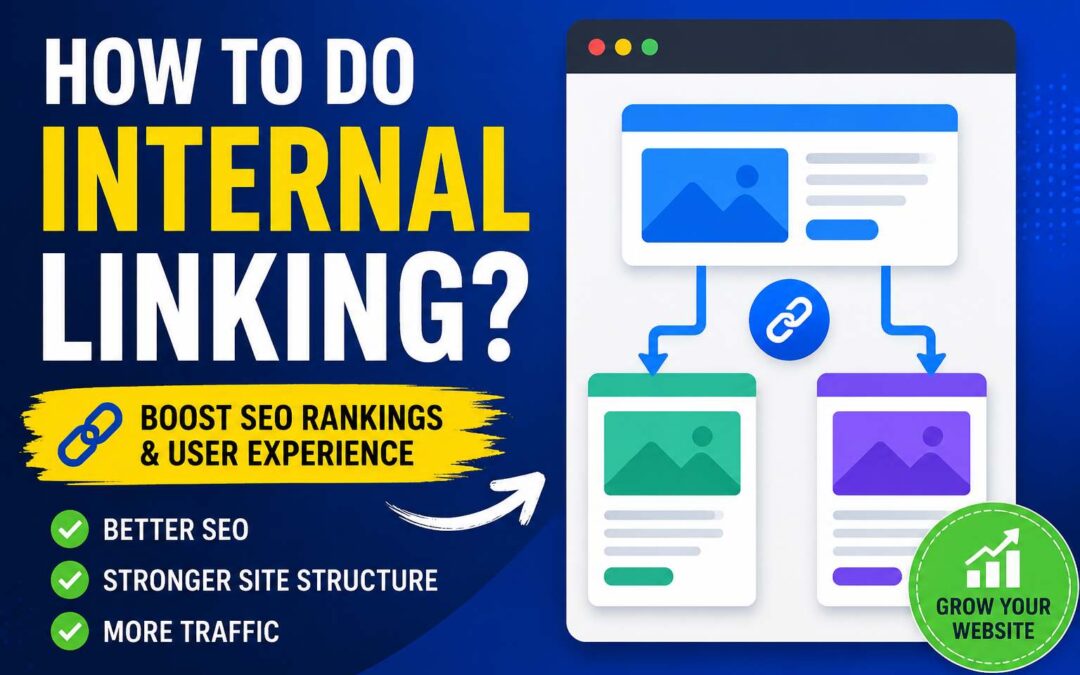
Internal linking is one of the most important SEO practices that helps search engines understand your website structure while guiding visitors to relevant content. Although many website owners focus heavily on backlinks, keywords, and technical SEO, internal links often remain an overlooked opportunity.
An internal link connects one page of your website to another page on the same domain. These links help distribute authority between pages, improve navigation, increase user engagement, and make it easier for search engines to crawl and index your content.
A well-planned internal linking strategy can help important pages gain more visibility, support keyword rankings, and create a better experience for visitors. Whether you run a blog, ecommerce store, service website, or business website, understanding how to do internal linking correctly can improve your overall SEO performance.
This guide explains the fundamentals of internal linking, best practices, common mistakes, and practical steps to create an effective internal linking strategy.
What Is Internal Linking?
Internal linking refers to adding hyperlinks from one page of your website to another page within the same website. Unlike external links that point to another domain, internal links keep users within your own website ecosystem.
For example, if you have a blog post about “SEO Tips for Beginners” and you link it to another article about “Keyword Research Strategies,” that connection is an internal link.
Internal links usually appear in:
- Blog content
- Navigation menus
- Footer sections
- Category pages
- Related article sections
- Product pages
- Service pages
Search engines use these connections to understand how your pages relate to each other. A strong internal linking structure creates a clear path for both users and search engine crawlers.
Why Is Internal Linking Important for SEO?
Internal linking plays a major role in helping websites improve their search visibility. When implemented properly, internal links provide several SEO benefits.
Helps Search Engines Discover New Pages
Search engines crawl websites by following links between pages. When you add internal links to newly published content, search engine bots can discover and index those pages faster.
Without internal links, some pages may become isolated, making them harder for search engines to find.
A well-connected website creates a clear crawling path where important pages receive more attention.
Distributes Link Authority Across Pages
Every website has pages that naturally receive more authority through backlinks. Internal links help transfer some of that value to other relevant pages.
For example, if your homepage has strong authority, linking from the homepage to important service pages can help those pages gain more SEO value.
This process helps search engines understand which pages are important on your website.
Improves User Experience
Internal linking is not only an SEO technique. It also improves website usability.
When visitors find helpful related content through internal links, they can explore more pages instead of leaving your website immediately.
Better navigation can increase:
- Time spent on your website
- Pages viewed per session
- User engagement
- Conversion opportunities
Helps Rank Target Keywords
Using descriptive anchor text in internal links helps search engines understand what the linked page is about.
For example, instead of using generic text like “click here,” you can use keyword-focused anchor text such as “learn more about technical SEO.”
This provides additional context about the destination page.
How to Create an Internal Linking Strategy
Creating internal links randomly is not enough. A successful strategy requires planning and understanding your website structure.
Follow these steps to build an effective internal linking system.
1. Understand Your Website Structure
Before adding internal links, analyze your current website structure.
A good website architecture usually follows a logical hierarchy:
Homepage → Category Pages → Subcategory Pages → Individual Content Pages
For example:
Homepage
↓
SEO Services
↓
Local SEO Guide
↓
Local SEO Checklist Article
This structure helps search engines understand relationships between different pages.
Try to keep important pages within a few clicks from your homepage.
2. Identify Your Most Important Pages
Not every page on your website has the same importance.
Start by identifying pages that are valuable for your business goals.
These may include:
- Main service pages
- Product pages
- High-converting landing pages
- Important blog posts
- Pages targeting competitive keywords
Once you identify these pages, create more internal links pointing toward them.
These pages are sometimes called “money pages” because they directly support business growth.
3. Find Relevant Linking Opportunities
The best internal links are contextually relevant.
Avoid adding links just to increase the number of links on a page. Every link should provide value to the reader.
For example:
A blog post about “Content Marketing Strategies” can naturally link to:
- SEO content optimization guide
- Keyword research article
- Blog writing checklist
However, linking unrelated topics can confuse users and search engines.
Relevance is more important than quantity.
4. Use Proper Anchor Text
Anchor text is the clickable text that contains the link.
Choosing the right anchor text helps search engines understand the linked page.
Examples:
Poor anchor text:
“Click here”
Better anchor text:
“learn how to optimize internal links”
Good anchor text should:
- Describe the linked page
- Match user intent
- Sound natural within the sentence
- Avoid unnecessary repetition
However, avoid using the exact same keyword anchor text everywhere because it may appear unnatural.
Use variations such as:
- SEO internal linking strategy
- improve website linking structure
- internal linking best practices
5. Link From High-Authority Pages
Some pages on your website already have strong authority because they receive backlinks, traffic, or social shares.
These pages can help strengthen other important pages through internal links.
Find pages that perform well and add links pointing toward pages that need improvement.
For example:
A popular blog post receiving thousands of monthly visitors can link to a newer article or important service page.
This helps distribute existing SEO value.
6. Create Topic Clusters
One of the most effective internal linking methods is creating topic clusters.
A topic cluster includes:
- One main pillar page
- Multiple supporting articles
- Internal links connecting related content
Example:
Pillar Page:
“Complete SEO Guide”
Supporting Articles:
- Keyword Research Guide
- Technical SEO Checklist
- Link Building Strategies
- Local SEO Tips
Each supporting article links back to the main guide, creating a strong content network.
This structure helps search engines understand your expertise on a topic.
7. Add Internal Links to Old Content
Many website owners only add internal links when publishing new articles. However, updating old content is equally important.
Older pages often already have:
- Search rankings
- Backlinks
- Traffic history
Adding links from old articles to newer relevant content can improve visibility.
Regularly review your existing content and look for new linking opportunities.
8. Avoid Creating Orphan Pages
An orphan page is a page that has no internal links pointing to it.
These pages are difficult for search engines and users to discover.
Common orphan pages include:
- New blog posts
- Old landing pages
- Hidden resources
- Campaign pages
Every important page should have at least one or more internal links from other relevant pages.
How Many Internal Links Should a Page Have?
There is no fixed number of internal links that every page needs.
The ideal number depends on:
- Content length
- Topic complexity
- Website size
- User needs
A long-form article may naturally include several internal links, while a short page may only need a few.
The focus should always be quality rather than quantity.
A useful approach is:
- Add links where they help readers
- Link important pages more frequently
- Avoid unnecessary links
Common Internal Linking Mistakes to Avoid
Although internal linking is simple, many websites make mistakes that reduce its effectiveness.
Using Too Many Links
Adding dozens of unnecessary internal links can make content difficult to read.
Too many links may reduce user trust and weaken the importance of each link.
Focus on useful recommendations.
Using the Same Anchor Text Everywhere
Repeatedly using the exact same anchor text can appear unnatural.
Use different variations while maintaining relevance.
Linking to Irrelevant Pages
Every internal link should have a clear purpose.
Avoid linking pages only because you want more links.
The connection should make sense for users.
Ignoring Important Pages
Some websites have hundreds of blog posts but very few links pointing toward their important service pages.
Your internal linking strategy should support business goals, not just connect random articles.
Forgetting Mobile Users
Internal links should be easy to click on mobile devices.
Avoid placing too many links close together because it creates a poor user experience.
Tools to Find Internal Linking Opportunities
Several SEO tools can help analyze and improve your internal linking structure.
Useful tools include:
- Google Search Console
- Screaming Frog SEO Spider
- Ahrefs
- Semrush
- Google Analytics
These tools can help you discover:
- Pages with few internal links
- Broken internal links
- Popular pages
- Linking opportunities
- Crawl issues
How to Check Your Internal Links
Regularly auditing your internal links helps maintain a healthy website.
During an audit, check:
Broken Links
Remove or update links that lead to deleted pages.
Redirect Chains
Avoid linking through unnecessary redirects.
Important Pages Without Links
Find pages that need more internal support.
Poor Anchor Text
Replace unclear anchor text with descriptive alternatives.
A monthly or quarterly internal linking review can keep your website structure strong.
Internal Linking Best Practices for SEO
Follow these best practices to maximize results:
- Link naturally within content
- Prioritize user experience
- Use descriptive anchor text
- Connect related topics
- Support important pages
- Update old articles regularly
- Avoid excessive linking
- Maintain a logical website structure
- Fix broken internal links
- Create topic clusters
Internal Linking vs External Linking
Internal and external links serve different purposes.
Internal links connect pages within your website. They improve navigation, crawling, and content relationships.
External links point to other websites. They help provide references, credibility, and additional resources.
A strong SEO strategy usually includes both.
Internal links help organize your own content, while external links help build trust and authority.
How Often Should You Update Internal Links?
Internal linking should be an ongoing SEO activity.
Whenever you publish new content, check whether existing articles can link to it.
You should also review older content periodically because:
- New pages are added
- Content topics change
- Business priorities change
- Some links become outdated
A consistent approach creates a stronger website over time.
Conclusion
Learning how to do internal linking correctly can significantly improve your website’s SEO performance, navigation, and user experience. Internal links help search engines discover pages, distribute authority, and understand the relationship between your content.
A successful internal linking strategy is not about adding as many links as possible. It is about creating meaningful connections between valuable pages.
By organizing your website structure, using relevant anchor text, building topic clusters, updating old content, and regularly auditing links, you can create a stronger SEO foundation that supports long-term growth.
Internal linking is a simple SEO practice, but when done strategically, it can become one of the most powerful ways to improve your website visibility.
Frequently Asked Questions (FAQ)
What is internal linking in SEO?
Internal linking is the process of linking one page of a website to another page on the same website to improve navigation and SEO.
How many internal links should a page have?
There is no fixed number. Add internal links naturally based on content relevance and user needs.
Does internal linking improve Google rankings?
Yes, internal linking can help search engines understand your website structure and improve the visibility of important pages.
What is the best anchor text for internal links?
The best anchor text is descriptive, natural, and clearly explains what users will find on the linked page.
Are internal links important for small websites?
Yes. Internal links help small websites organize content, improve crawling, and strengthen important pages.